- Apollo is our primary data source. Most outbound lists we build start here.
- It is the easiest prospecting tool to use, with more filters than anything else at its price.
- Do not send to its data as it comes. About half of it holds up once we verify it, so we verify everything first.
What we use it for
Apollo is the first place we go for contact data. It is one of the biggest B2B databases there is, and the quality is decent for what it costs. On almost every demo call we take, the team on the other side is already using it, which says a lot about how standard it has become.
At GrowthInfi it is our primary source. We also pull from more than 20 other data providers, because no single database is right often enough on its own. But Apollo is affordable, quick to get going with, and good enough to start any campaign today.
Our setup
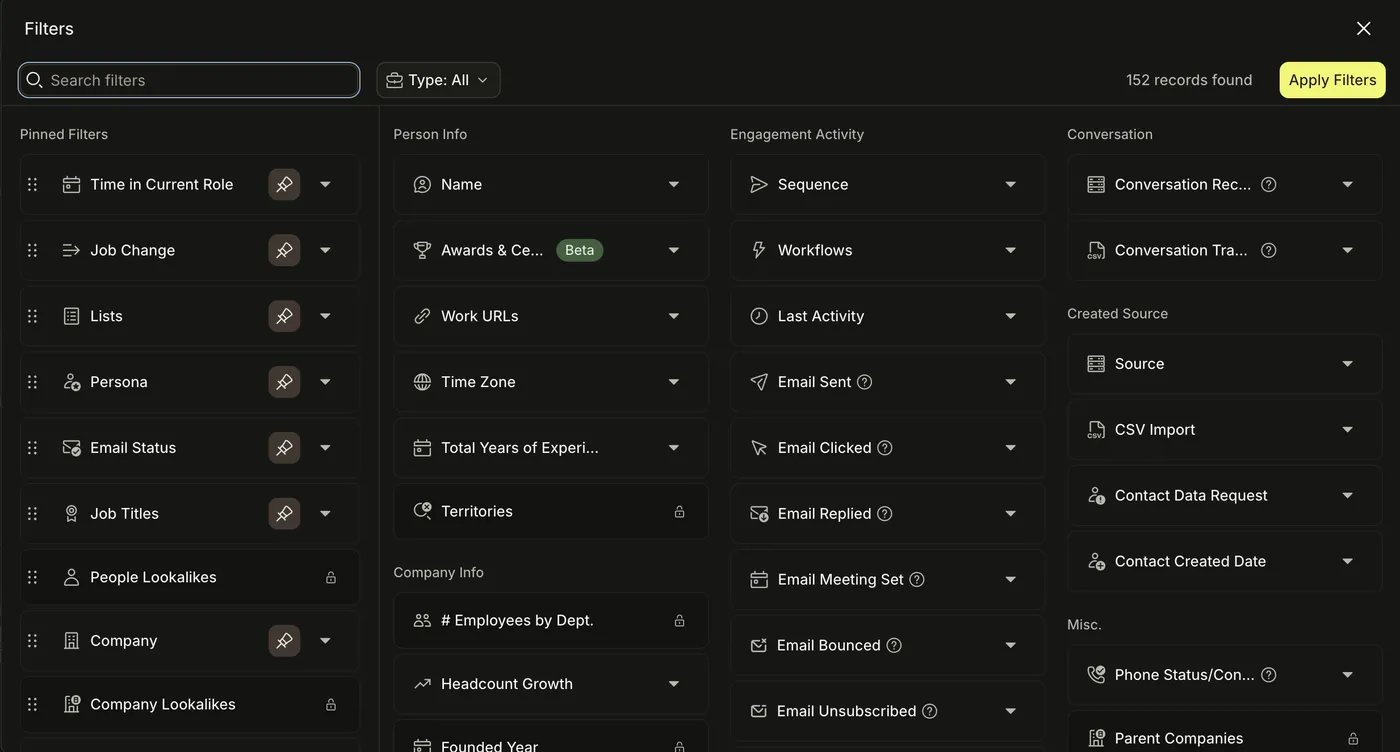
The filters are where Apollo earns its place. You can cut a list by who the person is, what the company looks like, and how they have engaged with you before. These are the ones we keep pinned:
- Job titles and persona, to get to the buyer and not just the company
- Time in current role and job change, because someone new in a role is more open to a conversation
- Email status, so we only pull contacts Apollo has some confidence in
- Company and headcount growth, to find teams that are hiring and spending
Once a list is pulled, every email goes through verification before it gets anywhere near a campaign. Where Apollo has no email, or the email fails, we fill the gap from our other providers. The sending itself happens in Smartlead, not in Apollo.
What it does well
It is easy to use
A new team member can build a usable list on day one. There is very little to learn before it is useful, and that is rare in this category.
The range of filters
Person, company, engagement and source filters all sit on one screen. Most lists we need can be built without leaving Apollo.
Email sending and a CRM are built in
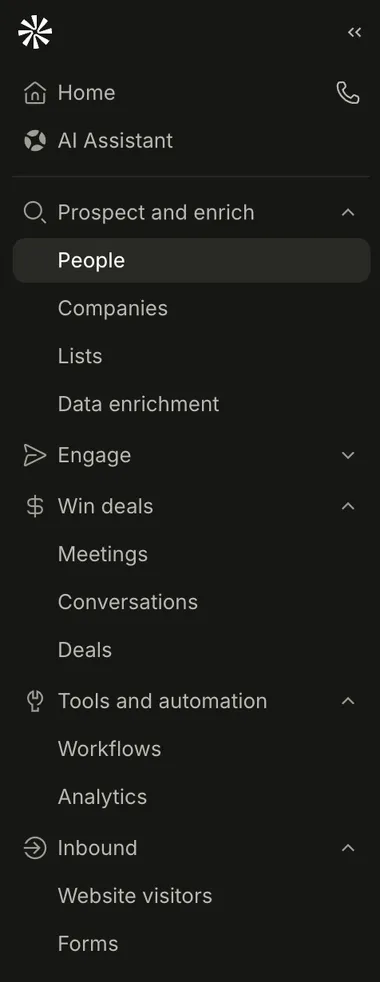
Apollo has its own sequences, meetings and deal pipeline. They are not great, but they are not bad either. For a team that is just starting outbound, they are enough to begin with before paying for separate tools.
The price
For what you get, it is one of the best deals out there for GTM engineers and go to market teams, and for anyone building an outbound system or doing general sales.
Where it falls short
Not all of the data is correct
In our experience about half of the data is good once it has been verified. That is fine if you plan for it. It is a problem if you load a raw Apollo export straight into a sending tool, because the bounces will hurt your domains.
The built-in sending and CRM are basic
They work for a first campaign. Once you are running many mailboxes or need proper reporting, you will want a dedicated sending tool and a real CRM.
Who should use it and who should skip it
Use it if
- You are building your first outbound system and want one tool to start with
- You need a large, affordable database with strong filters
- You will verify the data before sending
Skip it, or add to it, if
- You need every contact to be right first time
- You plan to rely on its built-in sending at volume
- Your market is small and niche, where one missed contact matters
Pricing
Apollo charges per seat, and each plan comes with a monthly allowance of credits for emails and phone numbers. There is a free plan, which is enough to test the filters on your own market before paying. Plans change often, so check Apollo's pricing page for current figures.
Alternatives we use alongside it
- A-Leads and LeadOcean, when a list needs volume
- Sendr, when the data has to be right first time. It costs more per contact
Every email, whatever the source, is verified before it is sent.
Questions we get asked
Is Apollo's data accurate?
Partly. In our experience about half of it is good after verification. Treat Apollo as the place to build the list, then verify every email before you send.
Can I send cold email from Apollo itself?
Yes, and for a first campaign it is fine. As volume grows, a dedicated sending tool gives you better control over mailboxes and deliverability.
Is Apollo enough on its own?
To start, yes. We use it as our primary source and add other data providers on top, because no single database covers every market well.